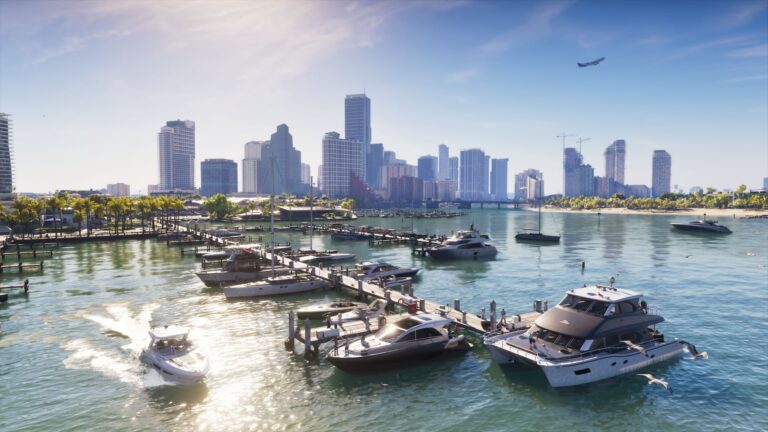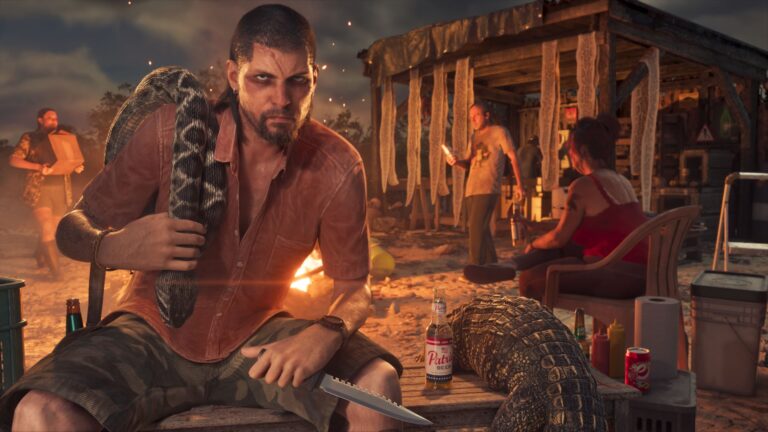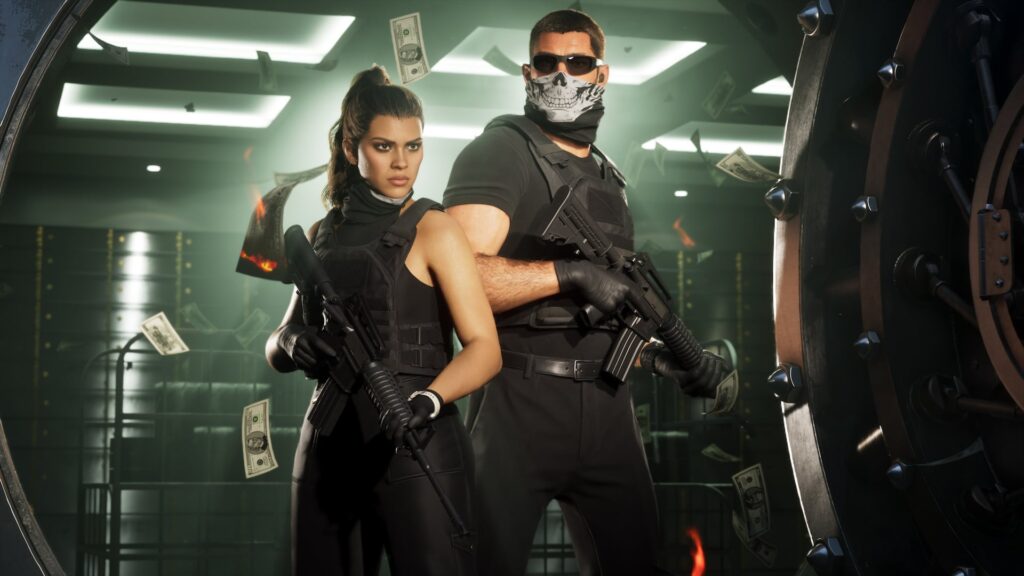
You can listen to in-game radio and podcasts outside a vehicle. Buy headphones or earbuds for the protagonist you are playing and equip them through the item menu.
Read also: GTA 6 music: soundtrack, radio and the deluxe album
Find an electronics shop
Open the map Index, choose Style and find Electronics. Select a shop and compare available models. GamesRadar+ reports that Jason and Lucia need their own headphones.
Equip your headphones
Hold L1 or LB to open the loadout. Use R1 or RB to reach the items section and select the headgear slot. Follow the equip prompt.
See also: GTA 6 Deluxe Edition soundtrack adds 23 tracks
Choose audio
Hold D-pad Left to open radio and podcasts. Choose content to suit your mood. If your headphones disappear, the source reports that they may have been lost during an in-game fight.
Next read: Leonida Keys
Further information from GamesRadar+ ↗.
Frequently asked questions
Do I need to be in a car to listen to music?
No. You can use the headphone feature on foot when available.
Where do I buy headphones?
Find Style and Electronics in the map Index.
Do Jason and Lucia share headphones?
The guide describes each character needing their own headphones.