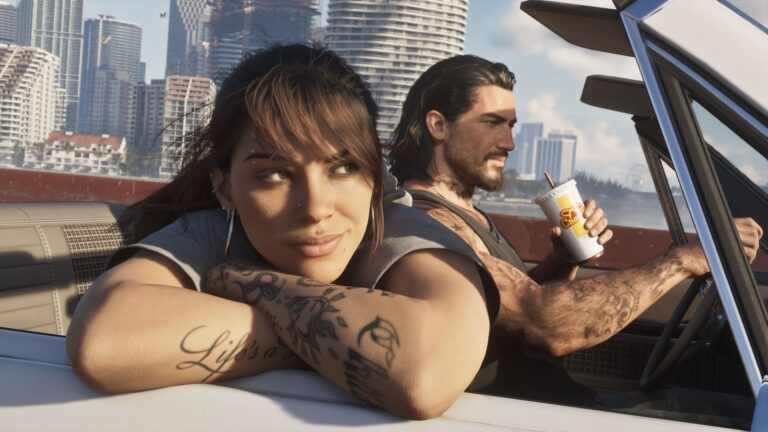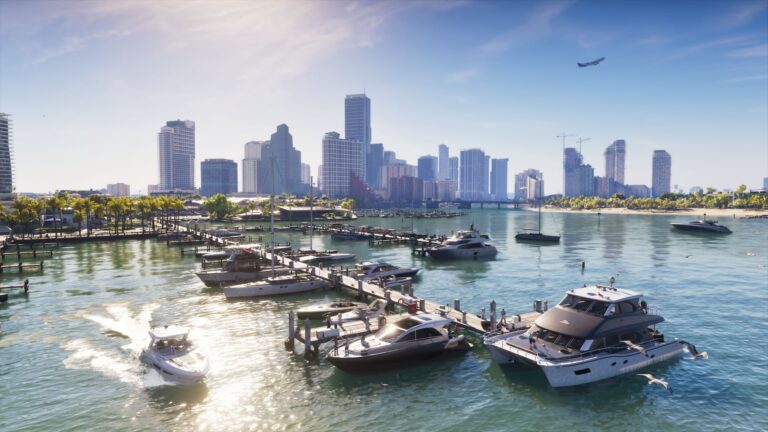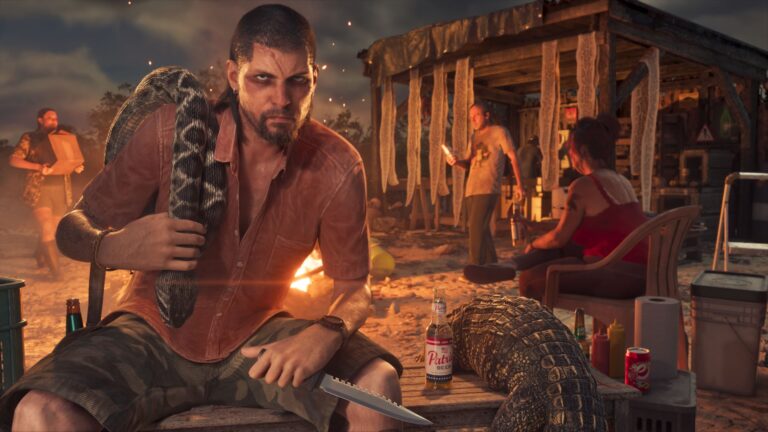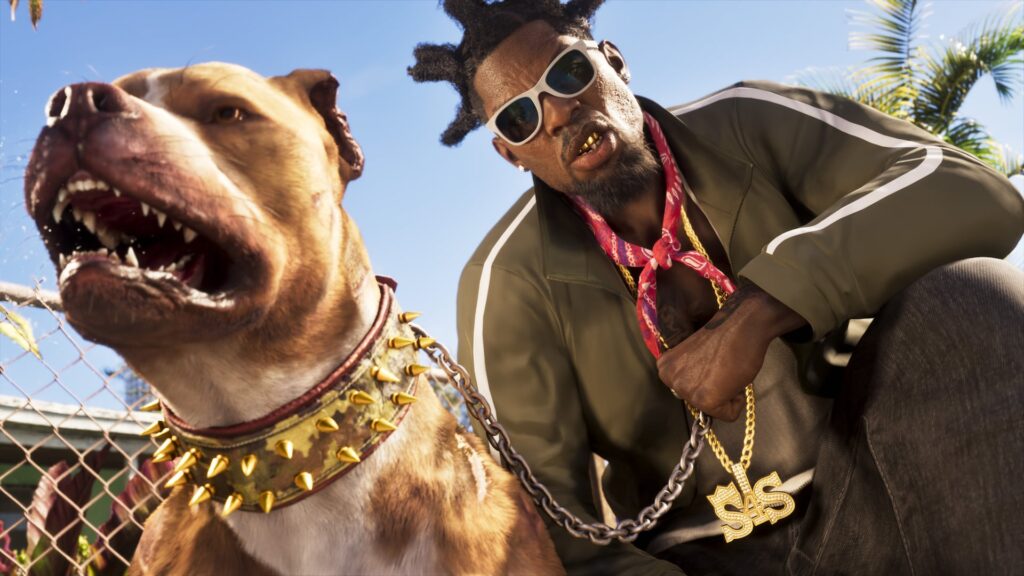
Vice City is full of places that make you want to pull over and take a picture. Photo Studio gives you a dedicated camera tool rather than limiting you to a screenshot of the normal gameplay view. It is ideal for car photography, sunsets and portraits of Jason and Lucia.
Read also: Rockstar’s GTA 6 gallery: Vice City, characters and new cars
Open Photo Studio on PS5 and Xbox
Pause the game and select Photo Studio, or use Square on PlayStation and X on Xbox as the shortcut from the pause menu. It is available early in the game. If you are in a sequence where camera access is unavailable, try again once you regain control of the character.
Compose the shot
Start with an angle that highlights your subject. For car photography, park somewhere without heavy traffic in the background. Turn the car slightly rather than shooting it directly from the side. For portraits, include enough of the surroundings to tell the viewer where you are. Explore camera angles before spending time on filters.
Work with lighting and focus
Experiment with focus distance and aperture in the camera settings. If your subject is blurry, check focus before adjusting colour or contrast. Use a calm background for close-ups and keep more of the landscape sharp if you want to show the view. Vice City looks very different in sunshine, rain and at night, so revisit favourite locations at different in-game times.
See also: Vice City
Save before you leave
Use Photo Studio’s save function. On PlayStation, look in the console’s Media Gallery; on Xbox, check the console’s captures. This is not necessarily the same place as images taken with the in-game phone’s Snapmatic camera. Check the console gallery if your photo does not appear on the phone.
Three ideas for your next photo session
Begin with a coastal image using the horizon as a clean background. Then head into Vice City after dark and look for signs and building lights. Finish with a daylight portrait or car shot. Changing the setting will give you much more variety than applying the same filter to every subject.
What if the photo is missing?
Check whether you confirmed the save before leaving Photo Studio. Take a fresh test image and locate it in the console gallery before spending time composing another shot. That way, you know where to find your pictures when you finally capture the perfect scene.
Next read: Leonida Keys
Further information from insider-gaming.com ↗.
Frequently asked questions
Is Photo Studio just a regular screenshot?
No. It provides in-game camera controls and image settings.
How do I open Photo Studio?
Pause the game and select Photo Studio, or use Square on PS5 and X on Xbox.
Where are saved Photo Studio images stored?
On PlayStation they are in the console media gallery, and on Xbox they are among your captures.