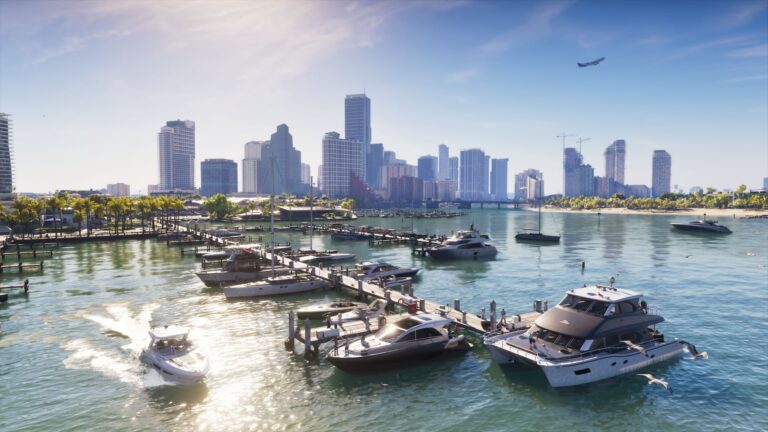
Want sunset photographs of Vice City or an encounter that only happens after dark? You do not have to watch the clock run down. The bed at your safehouse lets you choose when to wake up.
Read also: How to save in GTA 6: manual saves and autosave
Choose when to wake
Return home and have Jason or Lucia rest on the bed. Use Square on PlayStation or X on Xbox when the sleep prompt appears, then select the desired time. Once the character wakes up, carry on with your original plan.
Check your appointments first
Open the Index and look for activities marked by an hourglass. Skipping several hours is a poor idea if you have somewhere to be. Keep a separate save if you are unsure. For a short wait, drive around or visit a shop instead.
See also: GTA 6 fast travel: taxis, RydeMe and public transport
Plan around the light
For a photography trip, pick a subject in daylight and return after dark to compare the scene. Choose morning if you want to see a neighbourhood waking up. Longer fast travel journeys also advance time, but the bed gives you a more direct way to select the time of day.
What if the bed is unavailable?
Finish the current mission and try again once you regain control in free roam. Avoid experimenting with cheats on your only save just to change the lighting. A time-related cheat becomes available in the endgame, but normal sleep is the straightforward option.
Next read: How to use the GTA 6 map Index
Further information from GamesRadar+ ↗.
Frequently asked questions
Can I change the time without cheats?
Yes, use the bed at your safehouse.
Can sleeping make me miss an appointment?
Yes, check hourglass markers in the Index.
Which button do I use to sleep?
Square on PS5 or X on Xbox when the sleep prompt appears at the bed.
What if the bed is unavailable?
Finish active objectives and try again when normal free exploration is available.